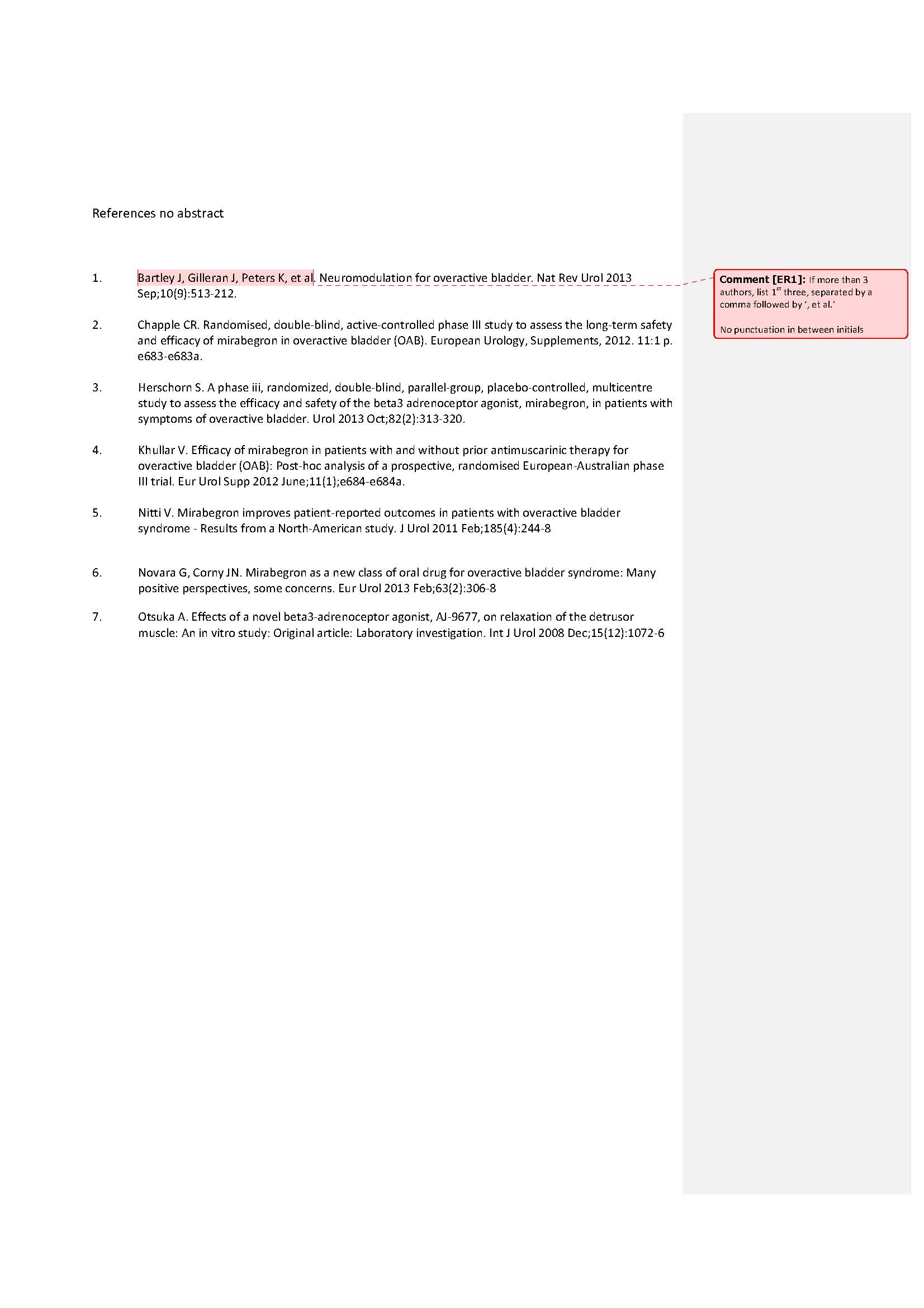
Year should be included, sorry I missed that. Punctuation as follows:
1) Title.Journal abbreviated). Year and Month;Volume(Issue):Pages 2) Title.Journal abbreviated). Year and Month;Volume(Issue):Pages Abstract
I tried to adjust an existing style with reference type: ‘Generic’ that had all the information I needed except for the name of the Journal and strangely in the ‘Generic’ Reference Type there is no option to add ‘Journal’.
Our librarian supplies us with files that have reference type: ‘Web Page’ but this reference typs does not have the option to add ‘Journal’ either. Can you help please? Best wishes,Esther
As usual, time is the issue, and going through the instructions seems such a daunting task but if all fails I guess that’s what I will have to do.
Thank you very much for your offer to adjust an excisting outputstyle.
I send you one that has most of the information I need except for the Journal, Volume, Issue and pages. The fields ‘Place Published’ and ‘Number’ I do not need.
Just a hopefully helpful note – the Annotated style already is set to include the abstract. Therefore, this may be a good style to start from, and edit as needed.
What I generally recommend to people is to do the following 2 things:
Check the website to see if the publication you are writing for is listed. Instructions to download and install styles are on the right-hand side of that page.
If the specific style you need is not listed, check with the publisher themselves. Many times, they actually have their own version of the style that they distribute. If they do not, they can at least tell you if their style is based on any standard, like JAMA, Harvard, Chicago, APA, etc. You can use that base style and then edit it, which will result in having to make fewer modifications than if you picked some random style from the list.
Leanne I looked at the files you sent me. And I’m sorry for being so vague, I certainly do not want to waste anyone’s time
I guess further explanation is needed. I use 2 different formats for 2 different reasons:
we develop evidence based guidelines so after a literature search has been conducted by our librarian, and in order for our experts to determine whether or not a paper is relevant and a closer look at the full text paper is needed, we supply them with a numbered reference list that includes the abstract (see example #1)
the reference list without the abstracts is used as basis for the reference listing in our guidelines. The format (journal abbreviated) including punctuation is that of Pubmed except we do not use a full stop after the journal abbreviation (see example #2)
Thank you very much for your help. The Modified show all fields file is great, it now includes the abstract which is what I was struggling with. I also managed to make minor changes to another of my eisting files.
I wil have to look into the knowledge base articel to get the correct journal abbreviations.